Please, check our SMD/THT services - smd.lotharek.pl; from idea to ready devices
Please, check our SMD/THT services - smd.lotharek.pl; from idea to ready devices



Dear Visitor, Welcome to my online shop. My name is Przemyslaw Krawczyk, but commonly I`m known to people of Polish Atari Scene ( and maybe not only...but who knows?) as "lotharek". I`m very happy you got here.
My mission is to deliver high quality devices in good prices. Devices, that follow modern environment standards (ROHS, Weee, Gios) and satisfy customer needs. Worth mentioning - all products are tested and checked personally by me before postage. Really - ALL :-)
In past I have used EBAY.CO.UK ( look at my feedback left by customers) to sell my stuff. Why UK, You may ask. Answer is simple, I have spent there few years of my live, improving my language skills and acquiring some western approach to life ;-)
Time has passed, upgrades have been developed and improved... Since 2008 I cooperate with Jeff - creator of SD and USB Floppy emulators, also new cooperation with Candle`o`Sin have been recently introduced, that hopefully will bring to life some new ideas for retro gaming enthusasts like me and you
If you have interesting idea/project, do not hesitate to contact me. I may be able to commercialize your project worldwide.
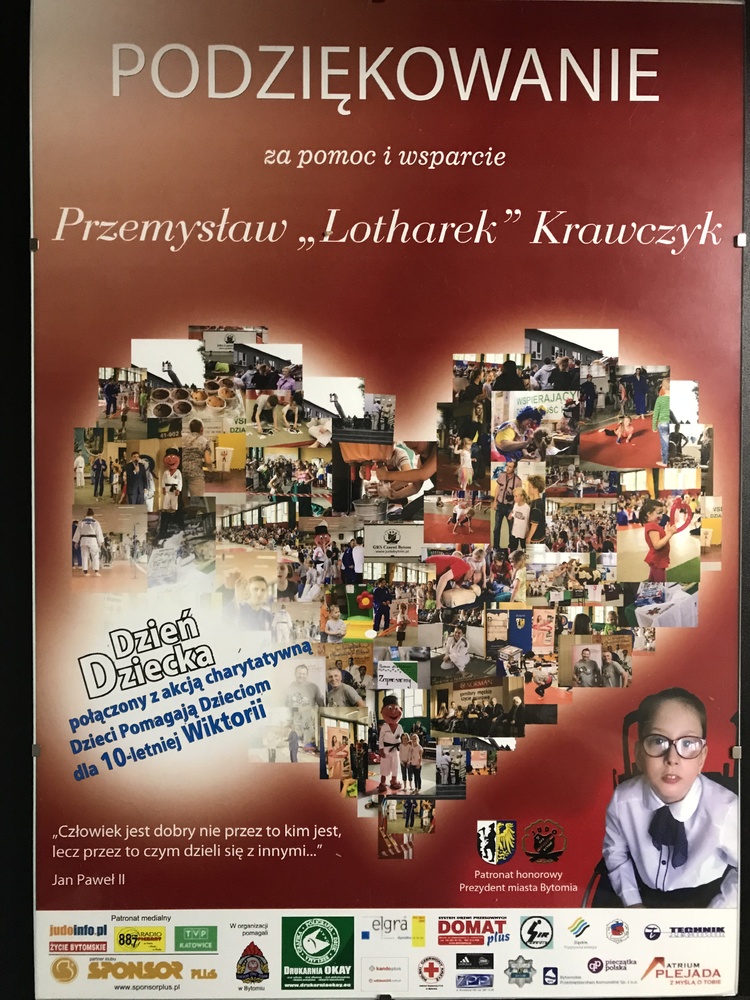
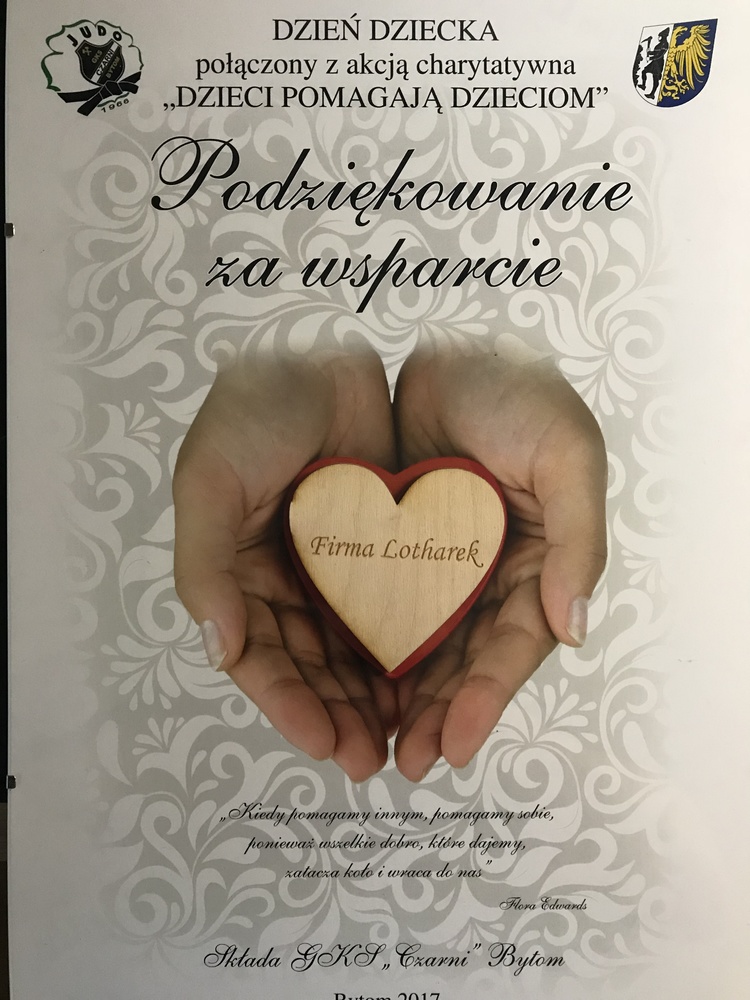
Also, worth mentioning is fact, that part of my income goes to those, who need it most. Thanks to your purchase I can keep on helping kids from Special Needs School in Piekary Slaskie. In addition, I`m one of the supporters of KID`S DAY in my JUDO CLUB, where big party is organised and money collected for kids. Last, but not least, I support almost every retro party I visit and Judo Club CZARNI BYTON as this sport - next to retro gaming - is my passion.

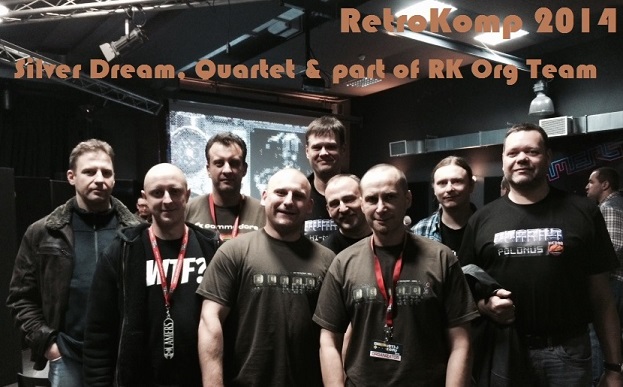


Once again – Thank You for Your purchase and Your support.
Please, remember - supporting me, You support all my charity activity we both shall be proud of.

Dear Customers,
Person responsible for invoices/postages is out for 3 weeks. I will do my best to to post Your order, but for sure only time left for me are weekends.
Please, expect delays - sorry about that
We wish You all Merry Christmas and happy new year :-)
Let this time be the best time of the year, spent with beloved ones with no worries and just truelly happiness
Bless You all ! Ewa, Lotharek and all smd.lotharek.pl team
ps. We are off from 22nd till 28th of December. We work 28,29 and 30th
Then, we are back at new Year January 2nd

Today, till late night, every hour - one product’s price will be cut almost in half 

Lets start, shall we ?
 |
September 29th is last postage day, before my real holidays.
Lothareks Lair will accept orders during our leave, but postages will start 16th October soonest
Access to mailbox will be very limited. Sorry, need 2 weeks of careless relax finally
|
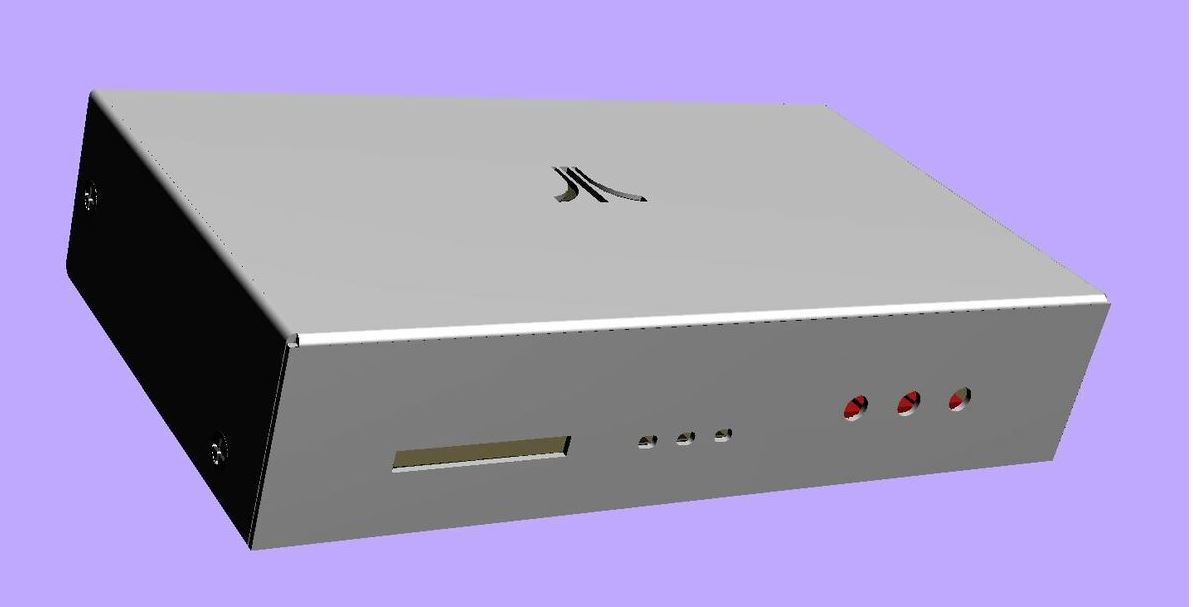
All customers are welcome - preorder of Fujinet is open.
More details here: https://lotharek.pl/productdetail.php?id=374
I am back to work. Postages in progress
If You have sent me mail and i have not responded, please RESEND !
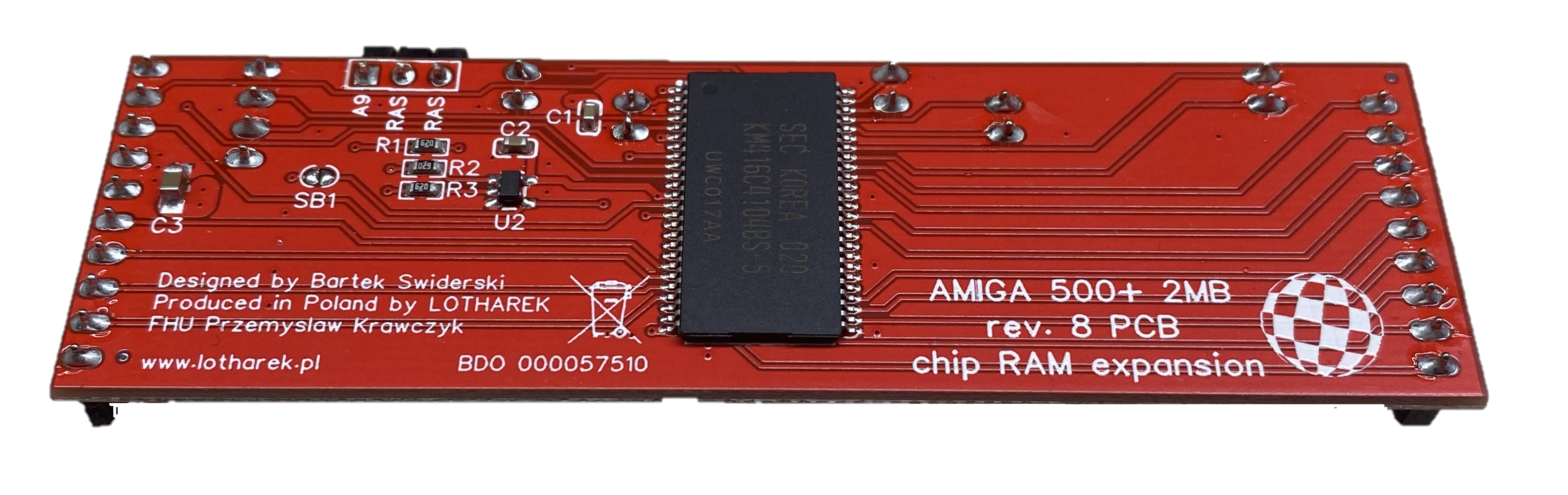
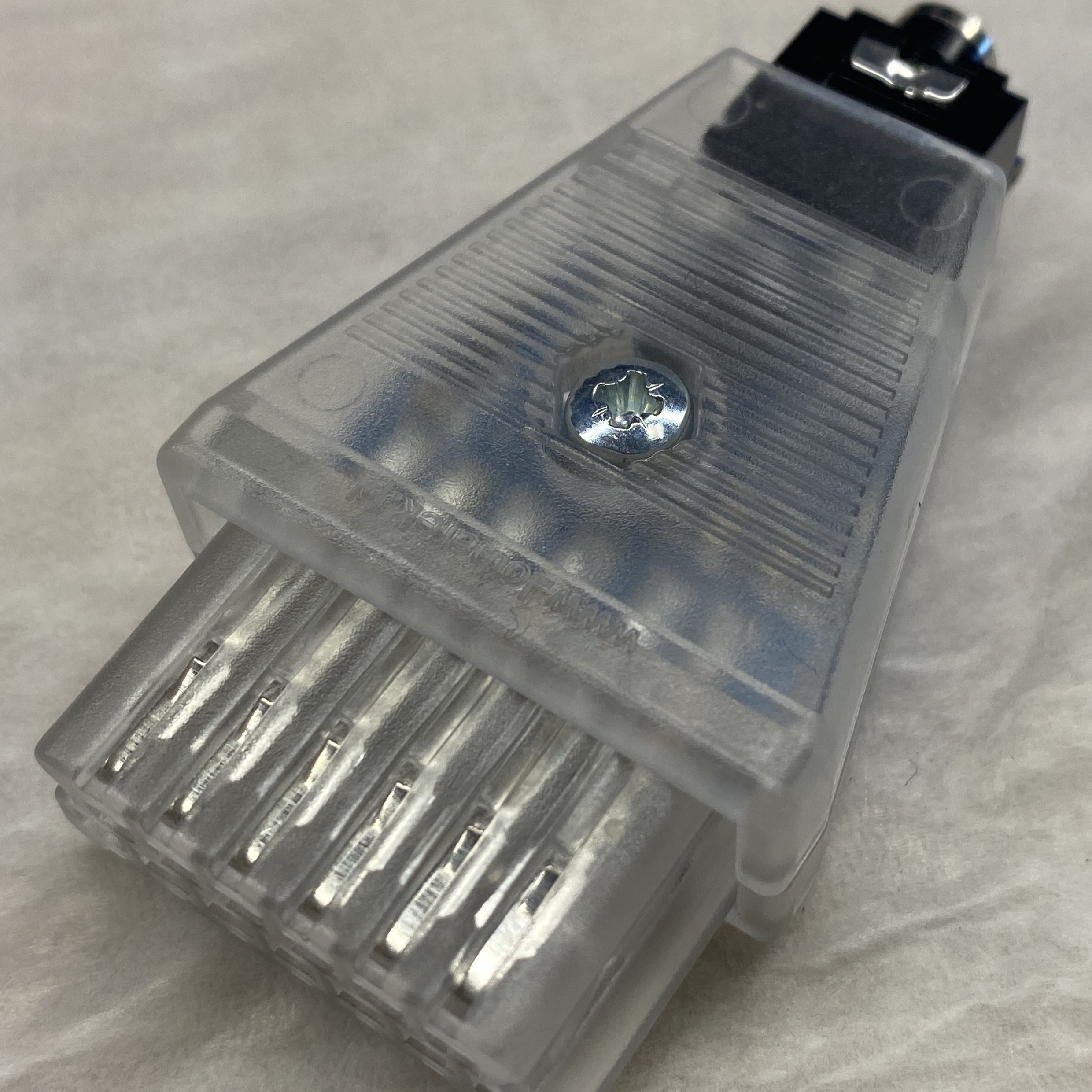
New products are coming soon:
|
|
|